clickcast
Playwright browser automation, screenshots, and GIF/MP4/WebP recording for AI agents — with a machine-readable JSON sidecar and a live MCP server for step-by-step browser control.


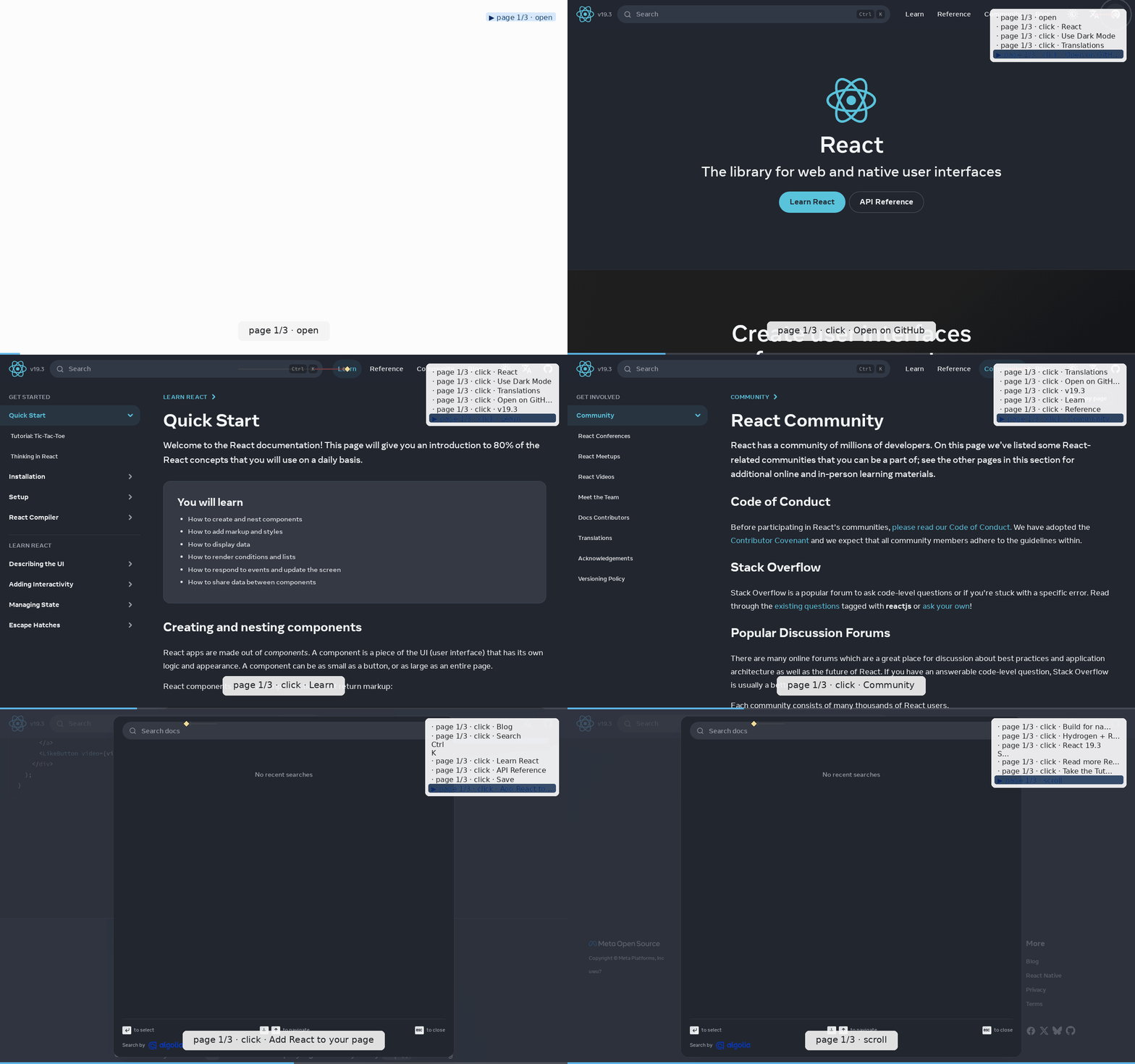
Agents are blind on the web. A screenshot is expensive and unaddressable; a DOM dump is unbounded. clickcast runs a real Chromium/Firefox/WebKit session and returns two things at once: a reel a human can watch, and a structured sidecar an agent can gate on — selectors, timing, console errors, failed requests, accessibility data, and page state, per step.
Install
pip install clickcast          # Python library + CLI
pip install 'clickcast[mcp]'   # adds the MCP server
npx -y clickcast-mcp           # same MCP server, no Python install
clickcast install              # fetch browser engines (wraps playwright install)
First run (30 seconds)
clickcast auto https://example.com --out tour.gif
For a reel a human will actually watch — continuous page motion plus cursor, click and caption cues — switch to the screencast preset:
clickcast auto https://example.com -o tour.mp4 --format mp4 \
  --capture screencast --smooth --video-fps 30
Two files land next to each other:
tour.gif— the reeltour.gif.json— the sidecar: schema v5, strictly additive from v1, validated by a committed JSON Schema
{
  "schema_version": 5,
  "steps": [
    {"index": 0, "action": "goto",  "status": "ok", "duration_ms": 812.4},
    {"index": 1, "action": "click", "status": "ok", "duration_ms": 581.3,
     "args": {"selector": "role=link[name=\"Pricing\"]"},
     "delta": {"added": [], "removed": [], "text_changes": [], "settled": {"ok": true, "ms": 506}}}
  ]
}
steps[].delta is populated on live MCP sessions; batch runs carry delta: null, so the block is purely optional and older sidecars parse unchanged.
The agent loop: observe → act → settle → receipt
Live control through MCP is token-bounded end to end, so an agent can iterate dozens of times without filling its context window.
| Call | What you get | Ceiling |
|---|---|---|
observe |
ranked snapshot of what you can act on, addressed by stable ref=eN handles |
≤800 est. tokens, ≤20 nodes |
click(ref=…) |
one action plus a delta: added/removed nodes, text changes, errors, layout shift, settled |
≤300 est. tokens |
settle |
“has the page stopped changing?” across network, DOM mutations and compositor activity | timeouts reported, never hangs |
receipt |
one artifact directory (reel, v5 sidecar, assertions, visual diff) + a summary | ≤200 est. tokens |
Full loop documentation → · MCP tool reference →
Batch mode: scenarios, assertions, CI
clickcast run tour.yml --emit-events --out tour.gif   # declarative YAML scenario
clickcast elements https://example.com                # what can be clicked here?
clickcast explore https://example.com                 # state graph, no encoding
clickcast assertions tour.gif.json --baseline base.json   # exits non-zero on drift
clickcast diff tour.gif.json baseline.gif.json            # pixel-level drift
clickcast report-bug tour.gif.json                    # turn a sidecar into a bug report
--smooth --video-fps 30 produces a real 30 fps MP4 instead of a slideshow. Region annotations are declarative, so highlights are reproducible rather than hand-drawn.
Python API
from clickcast import Reel

Reel("https://example.com", viewport=(1280, 800), fps=12).goto(wait="networkidle").click(
    "#cta", label="Open pricing"
).save("tour.gif")
AsyncReel mirrors it with await. Reel.observe() and Reel.receipt() expose the live loop from the SDK.
Documentation
- For AI agents — the shortest path from install to a gated sidecar
- Perception loop —
observe → act → settle → receiptand the artifact layout - MCP tool schema — every tool, argument and error code
- Feedback schema — the sidecar contract, v1 → v5
- Benchmarks — the two headline numbers, measured
- Smooth video — 30 fps MP4 reels and declarative annotations
- AI integration — wiring clickcast into an agent loop
Source
github.com/AlexKay28/clickcast · MIT · PyPI · llms.txt